Data Automation Risks: A Practical Checklist Before You Start
 Ian Edwards
Ian is a senior engineer and the founder of Tessellium. Combining over a decade of technical experience with his background as a business owner, he specializes in untangling complex operational bottlenecks and getting stalled software projects over the finish line.
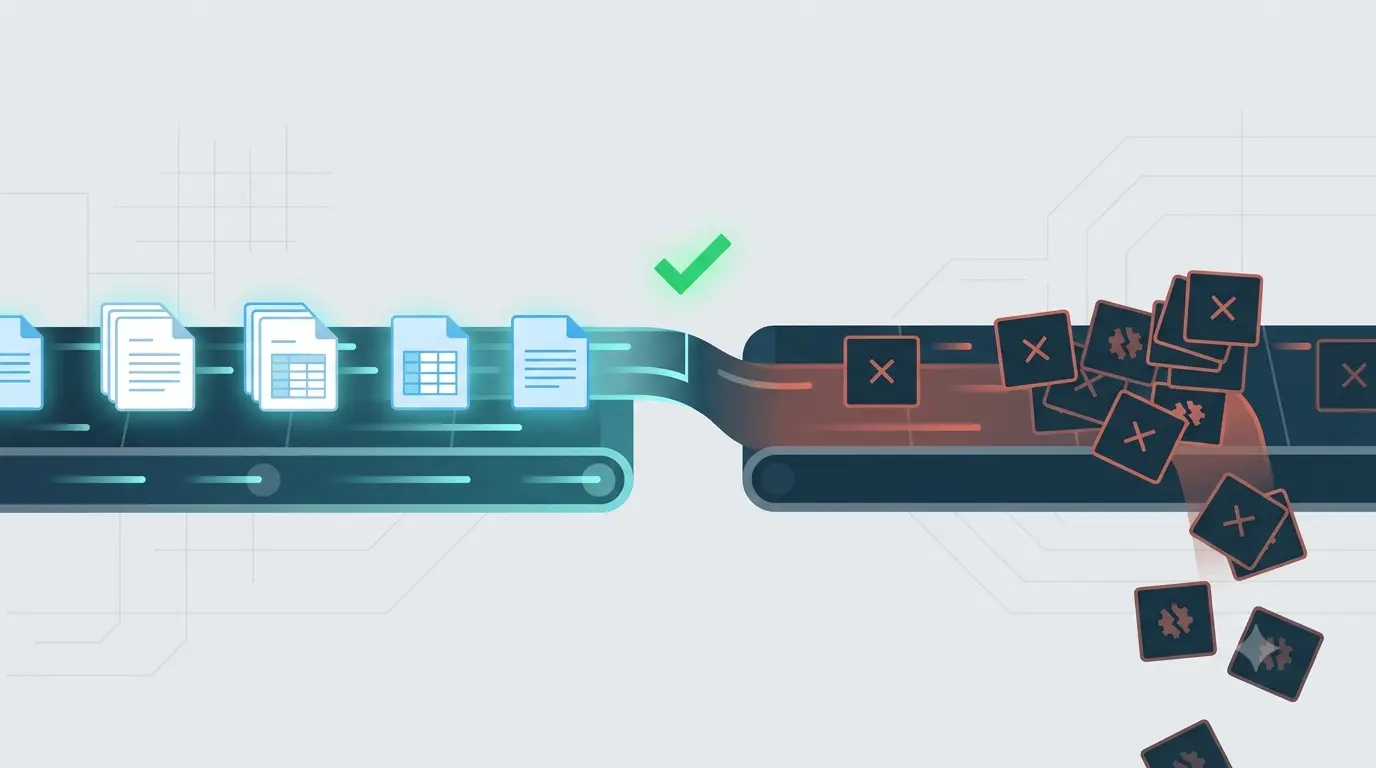
We wrote recently about the disadvantages of data automation nobody puts in the sales pitch. The response made it clear: people don’t need more warnings - they need a way to apply them.
So here’s the checklist we actually use with clients before any build begins. Five sections. If you can’t tick most boxes honestly, the project isn’t ready.
1. Is the Problem Stable Enough?
- The process has run unchanged for at least 3 months
- No major system migrations, reorganisations, or policy changes planned in the next 6 months
- The “happy path” handles 80%+ of real volume (exceptions are truly exceptional)
- You can write down the exact steps without saying “well, usually…” more than once
If you’re unsure on any of these: Wait. Automate after the dust settles. A moving target makes for expensive rework.
2. Does the Maths Actually Work?
- The task runs frequently enough to repay build time within 6 months (weekly minimum, daily preferred)
- You’ve estimated build time including testing, documentation, and handover - not just “happy path” coding
- The automation replaces at least 2 hours/week of manual work consistently
- You’ve accounted for ongoing maintenance (15-20% of build time per year is a safe starting assumption)
If the numbers don’t close: It’s not an automation project, it’s a hobby. Do it manually or improve the process first.
3. Is There Clear Ownership?
- A named person (not a team, not “engineering”) owns the output quality
- That person has authority to pause the automation if something looks wrong
- There’s a defined escalation path when the automation fails - and the owner knows it
- Someone reviews the output at least weekly for the first month, then monthly thereafter
If nobody owns it: The automation will fail silently. That’s not a maybe.
4. Can You Detect Failure Fast?
- The automation produces a visible artefact (report, log, dashboard entry) every run
- There’s an alert if the artefact doesn’t appear on schedule
- The alert goes to the owner, not a shared channel nobody watches
- You can distinguish “job ran but produced garbage” from “job didn’t run” without manual investigation
If you’d only know something’s wrong when a client complains: You don’t have monitoring. You have hope.
5. Are the Stakes Appropriate?
- A scaled-up error would be annoying, not catastrophic (recoverable in hours, not days)
- There’s a human checkpoint before irreversible actions (payments, submissions, deletions)
- You can roll back or re-run cleanly if something goes wrong
- The process doesn’t touch regulatory, legal, or financial data without explicit compliance review
If a silent failure could cost you a client, a fine, or a weekend: Add human gates. Or don’t automate it yet.
How to Use This
Green light (4-5 sections mostly ticked): Build it. The risks are manageable.
Yellow light (2-3 sections mostly ticked): Fix the gaps first. Common fixes: add monitoring, clarify ownership, run manually for another month to prove stability.
Red light (0-1 sections mostly ticked): This isn’t an automation problem yet. It’s a process problem. Solve that first.
A Note on “But We Need to Start Somewhere”
Start with the checklist. Not the code.
The automations that cause the most damage aren’t the ones that never get built. They’re the ones that get built thoughtlessly - stable enough to run for months, fragile enough to corrupt data quietly, owned by nobody because “it’s automated.”
Five minutes with this list saves weeks of cleanup.
Want a second opinion on a specific process? We’re happy to run through it with you - no pitch, just the checklist.